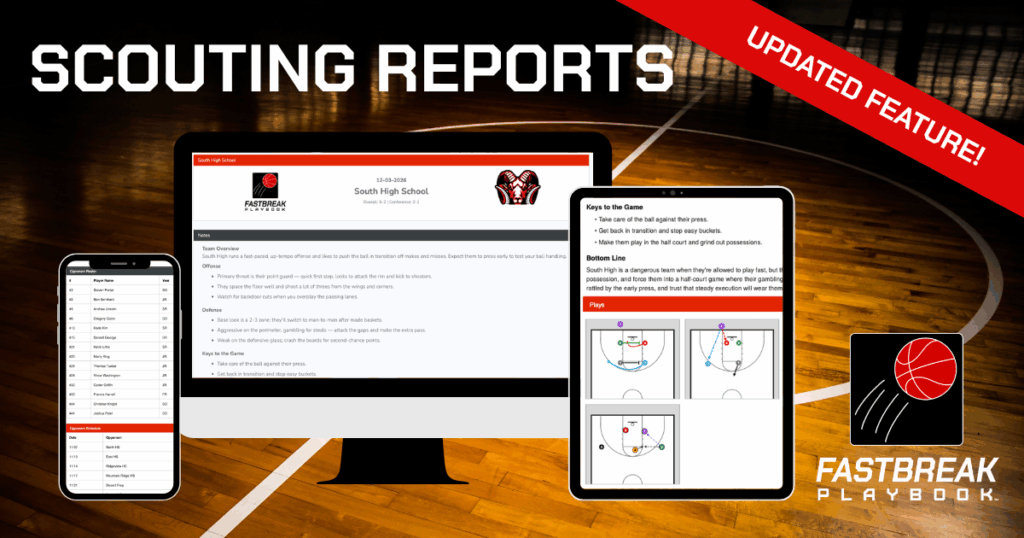
Preparation wins basketball games, and a well-built scouting report is one of the most valuable tools a coach can have before tipoff. Whether you’re breaking down an upcoming opponent, preparing a game plan, or keeping your staff aligned, your scouting report should make coaching easier. Not create more work.
That’s why we’ve enhanced Scouting Reports in FastBreak PlayBook. Available for all users, the updated experience is cleaner, faster, and more flexible, making it easier than ever to build detailed scouting reports that help your team prepare with confidence.
Scouting Reports That Give You an Edge
Every coach knows that preparation can be the difference between winning and losing. A well-organized scouting report helps your team:
- Identify offensive and defensive tendencies.
- Highlight key personnel and player strengths.
- Prepare for offensive sets, defensive coverages, and special situations.
- Keep your coaching staff aligned on the game plan.
- Give players clear, organized information before practice and game day.
When everyone understands the plan ahead of time, practices become more efficient and game-day adjustments become easier.
What’s New with Scouting Reports?
We’ve redesigned the Scouting Reports feature in FastBreak PlayBook to streamline the entire process.
The new layout is cleaner, easier to navigate, and more customizable than ever. Whether you’re putting together a quick opponent overview or a detailed scouting report, building and organizing your information is now faster and more intuitive.
How to Build a Scouting Report
Creating a basketball scouting report with the updated feature is simple.
1. Click the + Button
Start by clicking the + icon to add a new section. Each section becomes a customizable block that helps organize your report.
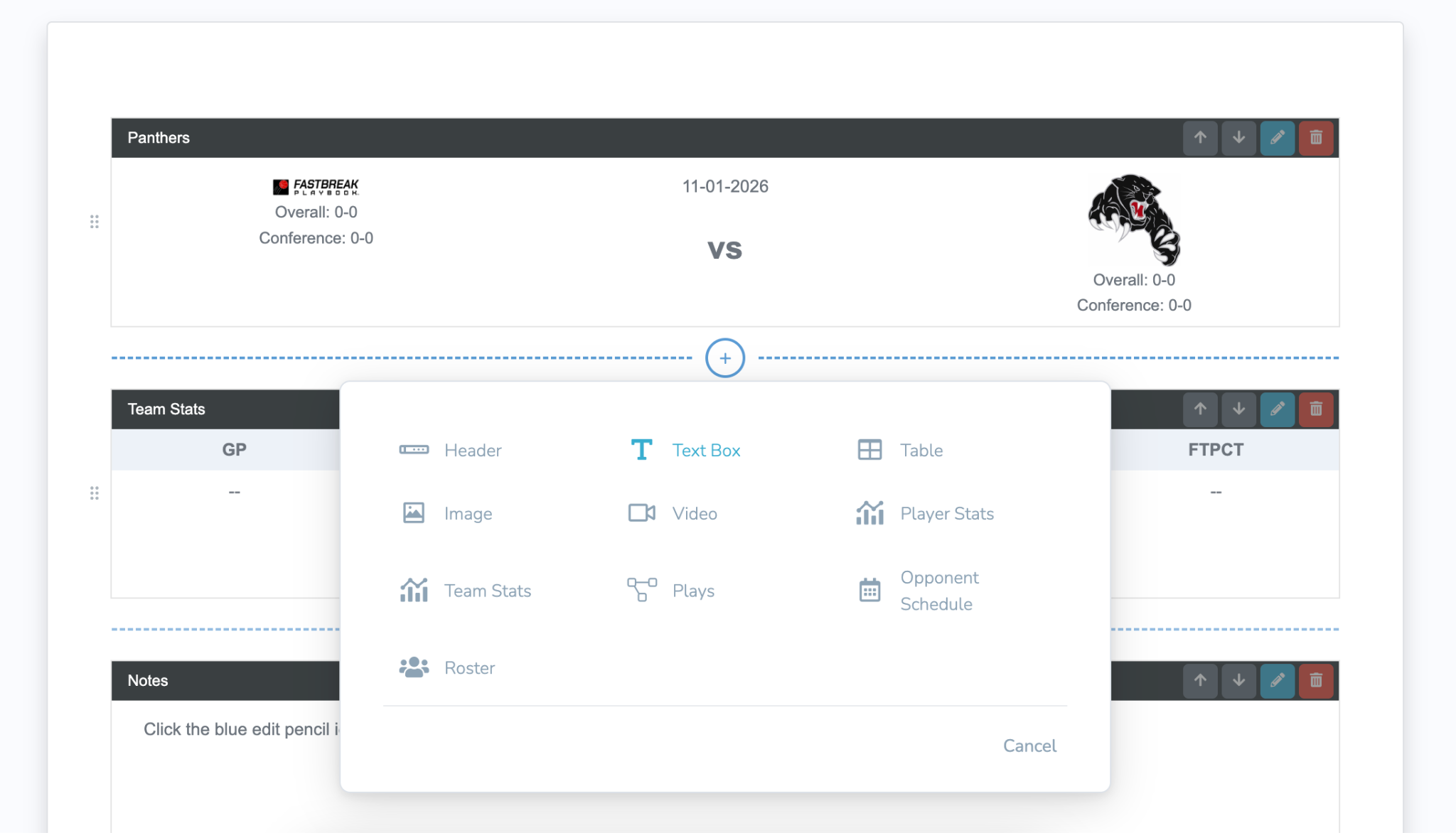
2. Select a Block Type
Choose the information you want to include, such as team stats, opponent schedules, rosters, depth charts, player matchups, videos, or coaching notes.
3. Build Your Report
Add your scouting notes, key tendencies, personnel breakdowns, and coaching points. Rearrange blocks at any time to create the layout that works best for your staff.
Take your scouting reports even further with our MaxPreps integration. Automatically import team and player statistics from MaxPreps directly into your scouting report, giving your staff the insights they need without the manual work.
4. Share With Your Staff and Players
Once your report is complete, share it with your coaching staff and players so everyone is working from the same game plan and has the information they need leading up to game day.
Save Time & Coach More Efficiently
The updated Scouting Reports feature helps you organize information faster, communicate more effectively, and spend less time preparing documents so you can spend more time coaching your team.
If you haven’t explored the updated Scouting Reports yet, now is the perfect time. Sign up for a free trial or create your account today to get started.