Pairing video clips with basketball play diagrams unlocks a deeper level of understanding and engagement. Videos showcase real plays in action, highlighting movement, timing, and teamwork, while diagrams provide structure and clarity. Together, they create a dynamic, visual learning experience that brings your coaching strategies to life for your players.
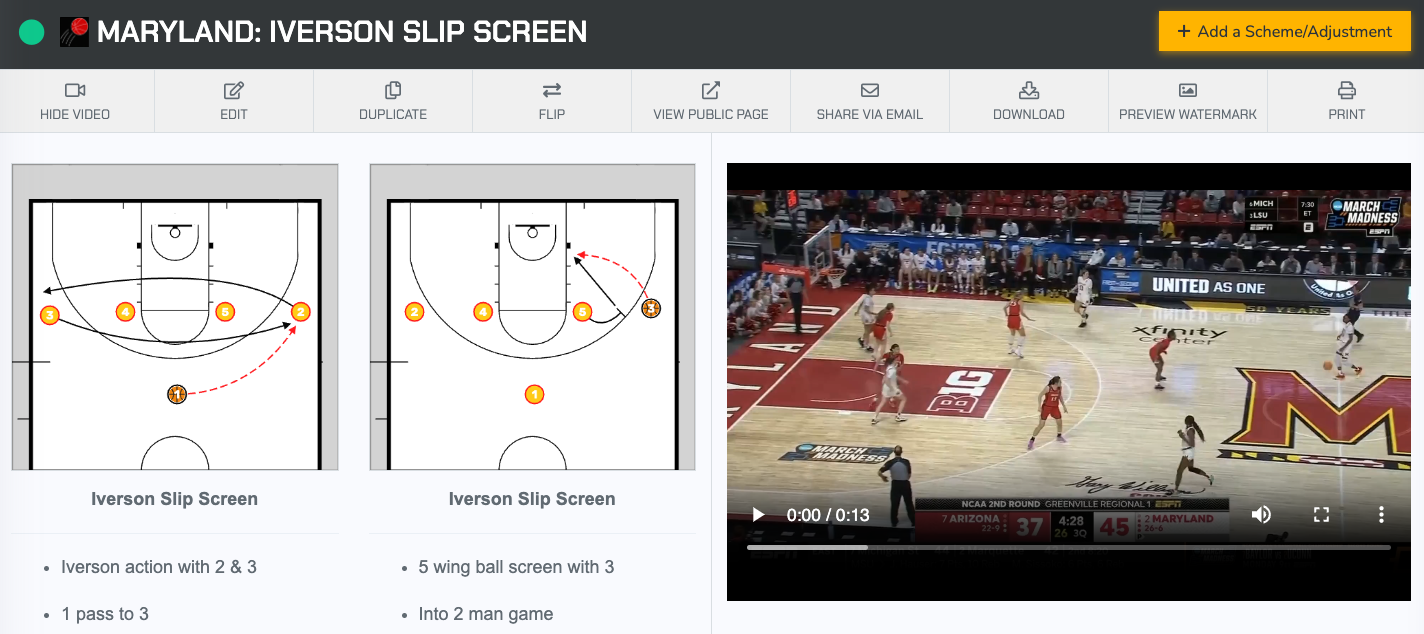
Pairing Video Inside of FastBreak PlayBook
FastBreak PlayBook offers multiple ways to pair videos with your plays. From your dashboard, open the Team Video Library in the top-left corner to upload files directly from your computer. The platform supports Hudl and Synergy videos as long as they’re in MP4 format. Once uploaded, you can attach videos to existing sets in your playbook, add them to your play library, or select from our shared database.
FastBreak PlayBook offers multiple options for adding videos. For a quick tutorial on how pairing videos works within FastBreak PlayBook, watch the YouTube video below.
- Add directly from your FastBreak PlayBook video library
- Upload a new video
- YouTube clip
- Hudl highlight/Hudl download (MP4)
- Synergy download (MP4)
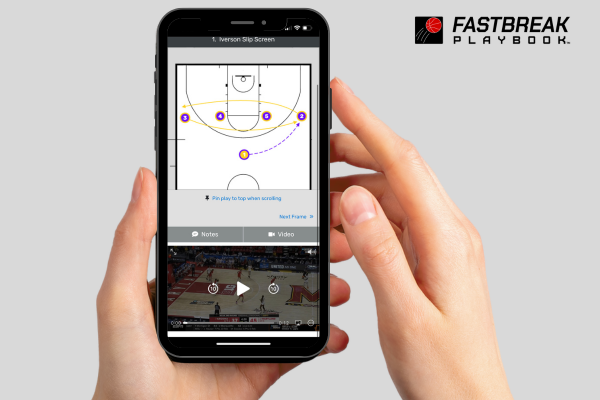
Video Storage Options
All FastBreak PlayBook memberships include video storage. Single-user memberships come with 10 GB, while Full Team Memberships offer 50 GB. You can always upgrade to increase your storage capacity.